
Your documents, perfectly readable and ready to work with
LexSelect’s viewer preserves your document’s original look while adding a clean, selectable text layer — so you can highlight, copy, and cite any passage, even from scanned or complex PDFs
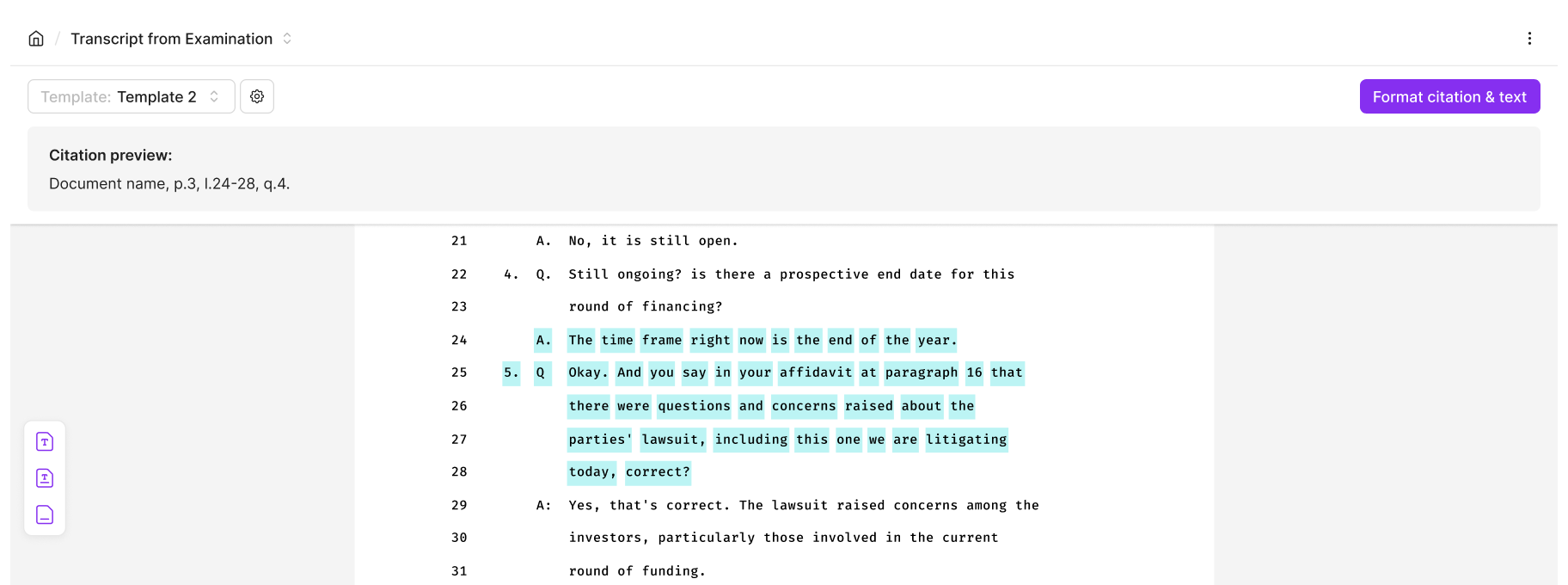
View and work with any document
LexSelect maintains your document’s original layout while adding a structured text layer, enabling accurate selection, copying, and review — even in scanned or complex files.
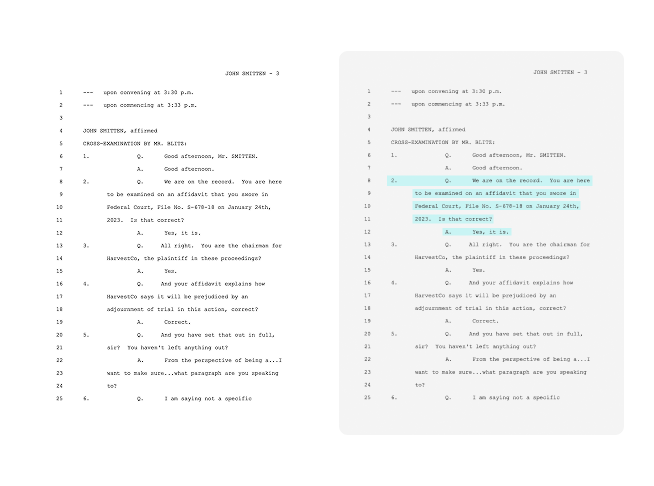
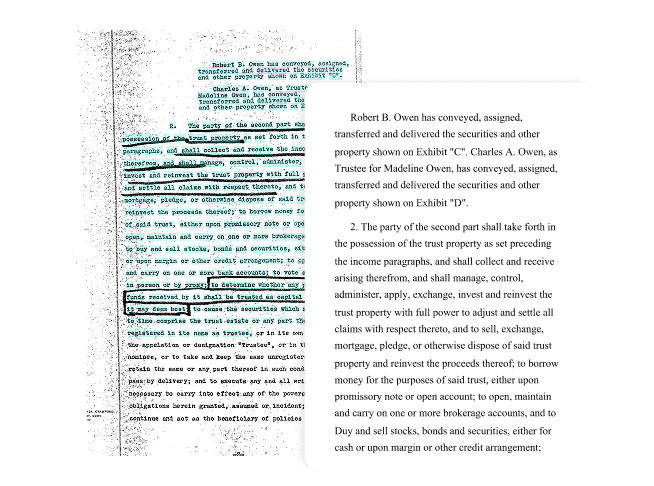
Extract clean, formatted text
Extract clean, consistently formatted text from any document — including scanned copies, multi-column layouts, and handwritten notes — with a single click.
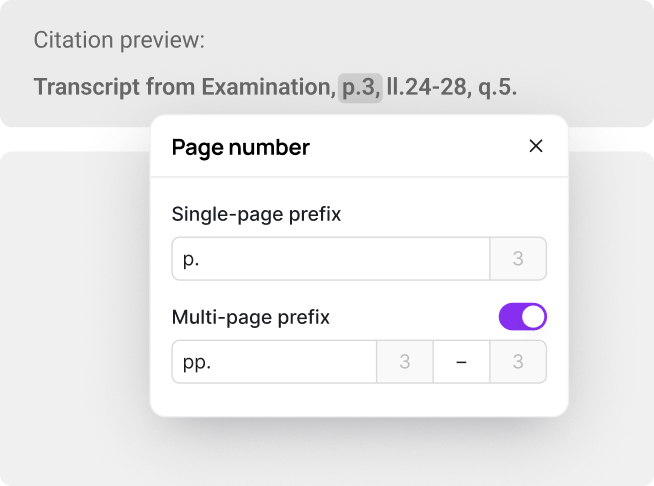
Review and cite effortlessly
Automatically generate document-type, passage-level citations for any document. Every citation links back to the exact location in the original file for fast verification.
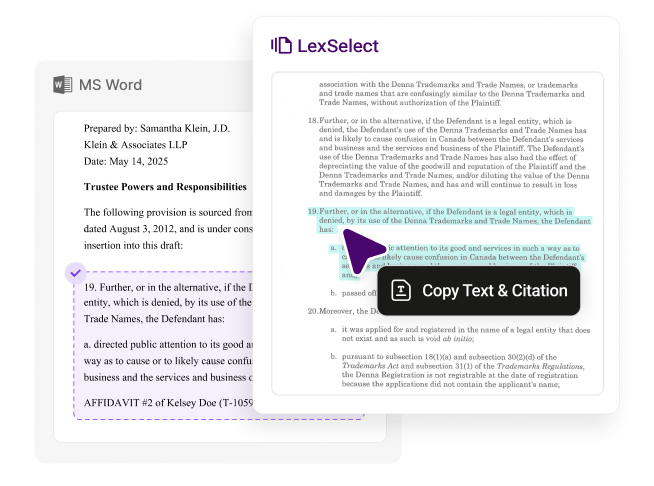
Work seamlessly in Microsoft Word
LexSelect’s Microsoft add-in lets you review, edit, and cite legal documents directly within Word. Stay in your workflow – no switching tools, no disruptions.
For lawyers and researchers
Highlight and copy key passages, extract citations, and verify facts directly in the original document — without retyping or fixing formatting.

For legal teams and analysts
Search through scanned or multi-document files, validate information in context, and gather the facts you need for due diligence or case preparation.
For operations teams
Quickly review and verify documents before they enter downstream workflows, without fighting broken formatting or unreadable scans.


Thomas Martin
Business Operations Analyst, M Resolution
LexSelect is a complete game-changer. When it comes to drafting factums and submissions, it has literally cut my prep time by a third and cut-out the most tedious and unpleasant part of the work. LexSelect allows me and my junior associates to focus on what matters, drafting comprehensive and persuasive legal arguments.


Kevin Westell
Trial Lawyer and Co-Managing Principal,
Pender Litigation
Pender Litigation
I used LexSelect to generate an event chronology from opposing counsel’s motion brief package. What would normally take me four or five hours of careful review was done in just a few minutes. The efficiency gain is incredible and lets me focus on the higher-value parts of the case.


Scott Foster
Partner,
Lewis Silkin LLP
Lewis Silkin LLP